

How to Care for Your Cocoweb LED Picture Light: Essential Tips for Plug-In, Hardwired, Direct Wire, and Rechargeable Options
A great art light doesn’t just illuminate—it enhances your space and highlights your artwork’s true beauty. This blog is specifically about Cocoweb LED picture lights, designed for reliability, energy efficiency, and longevity. With Cocoweb’s integrated LED picture lights, you get professional-quality illumination that’s made to last. A little targeted care for each power option—whether plug-in, hardwired, direct wire, or rechargeable—goes a long way to maintaining that elegant look and high performance.
This guide outlines practical care steps for the major Picture light power configurations:
- Plug-in Adapter & Dimmer
- Plug-in Adapter & Remote
- Hardwired for Dimmer Switch
- Direct Wire Pack & Remote
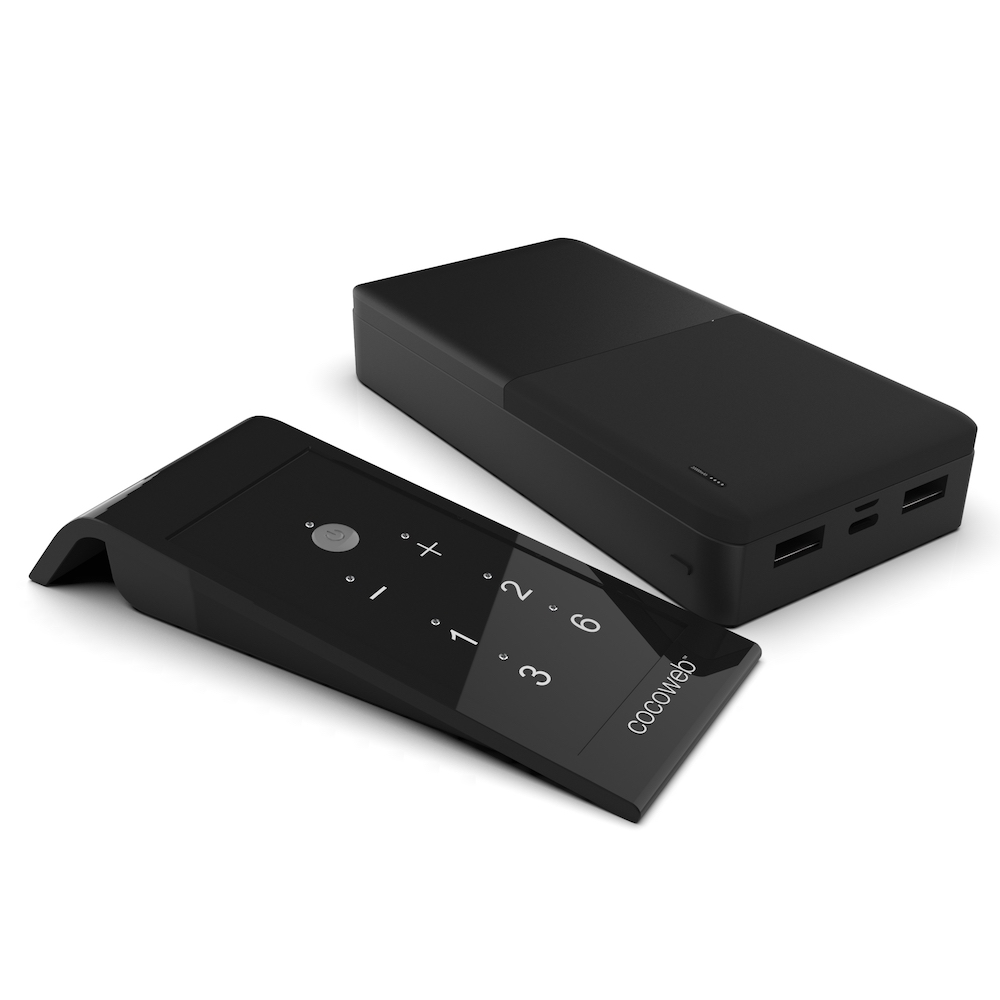
- Rechargeable Battery & Remote
Whether you’re a homeowner, gallery curator, or art enthusiast, knowing how to care for each type ensures your fixture stays bright and your artwork remains the center of attention.
Why Proper Care Makes a Difference
Integrated LED picture lights are built for up to 50,000 hours of use—no bulb replacements needed and much cooler operation than traditional lights, helping preserve your paintings and photographs. However, because the LEDs are pre-installed and non-replaceable, protecting the fixture and its components is the best way to maximize longevity.
Key habits for all configurations include:
- Dusting regularly with a soft, dry cloth to prevent dust and grime from dulling the finish or blocking light.
- Using gentle adjustments with the 90° rotating shade—never force its movement or over-tighten securing screws.
- Adjusting brightness thoughtfully with either the dimmer or remote, to bring out detail without creating harsh glare on glass or flatness on matte pieces.
- Watching for early warning signs such as flickering, unusual heat, or movement, as these can signal the need for quick attention.
Understanding Power Options and Their Unique Needs
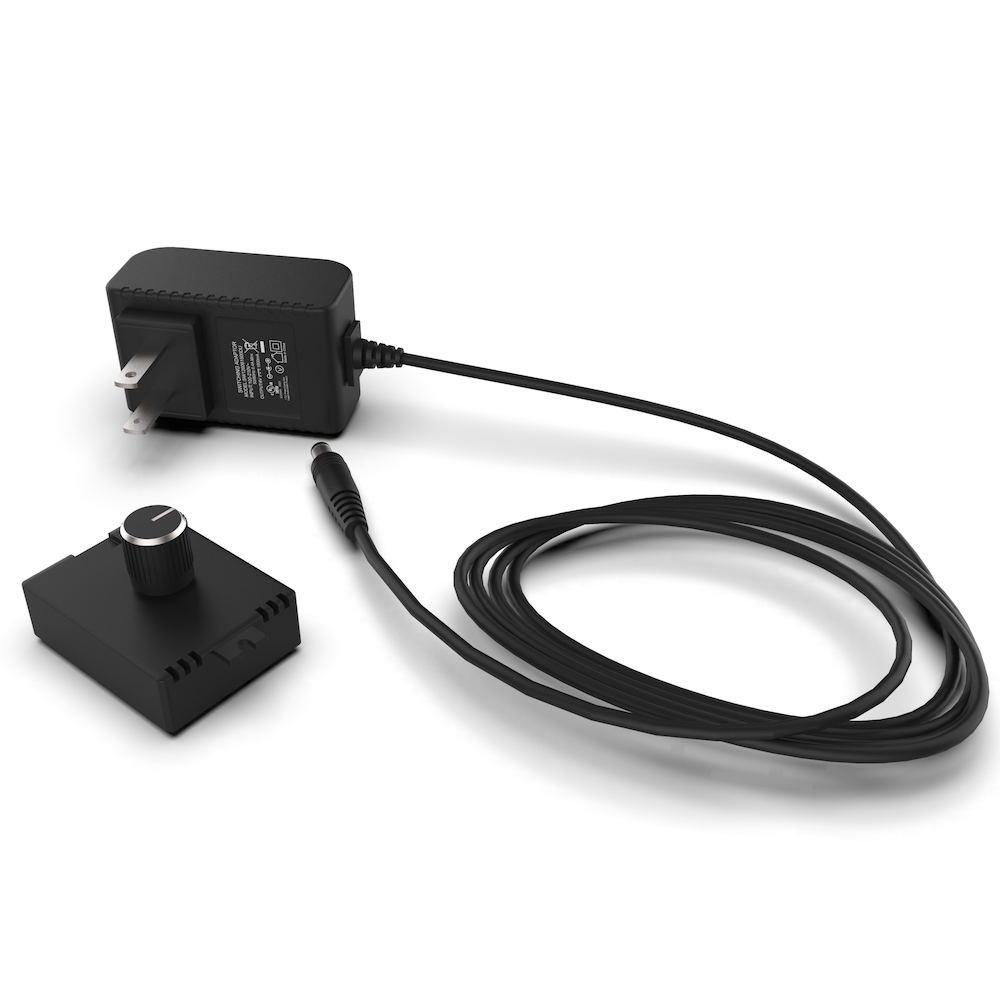
Plug-In Adapter & Dimmer
Plug-in models with a dimmer are easy to install and move, making them perfect for rented spaces or flexible arrangements. They’re reliable, but require a little vigilance:
- Cord care: Check the power cord periodically, especially near bends, the plug, or where it runs behind or under furniture. Replace if you notice fraying, pinching, or damage.
- If you notice flickering: one common cause is using an incompatible power adapter. Always use the adapter specified for your picture light model, as using the wrong one can lead to flickering and performance issues.
- Dimmer use and placement: Keep the dimmer in an accessible spot, free of stress or pressure that could wear down connectors.
- Brightness management: Lower the light output when full brightness isn’t needed. Dimming not only creates a more subtle mood but also helps support the long life of the LEDs.
Plug-In Adapter & Remote
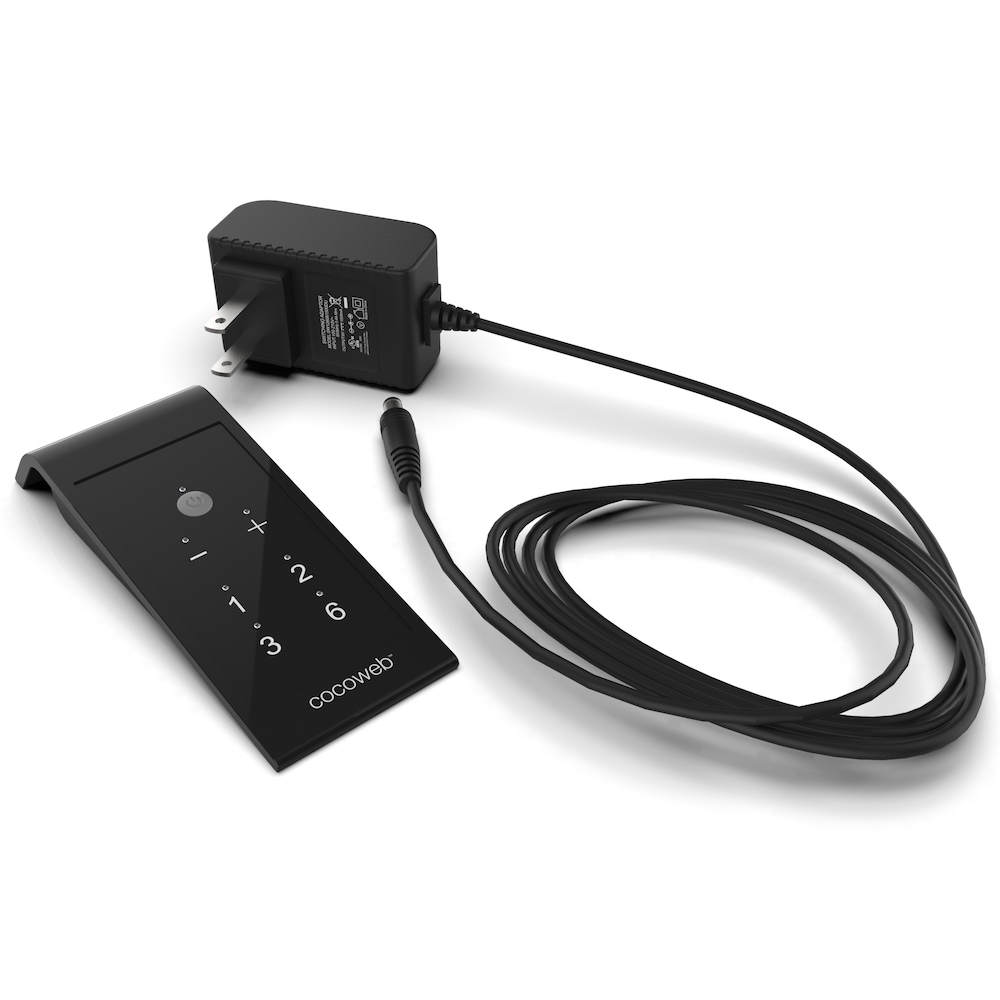
This setup offers plug-and-play ease with the added convenience of remote control. Key care tips include:
- Receiver and cable organization: The remote receiver should be placed somewhere clean and free of dust buildup, and the connector cables shouldn’t be pinched or tightly bent behind frames.
- Remote handling: Store the remote in a consistent spot and check or replace its batteries when the light becomes unresponsive.
- Functionality check: Use brightness and auto-off features via the remote to avoid unnecessary run time and easily set the level that best suits your artwork and room.
Hardwired for Dimmer Switch
A hardwired Picture light with a wall dimmer is the top choice for permanent installations and a seamless appearance. Here, care goes beyond cleaning:
- Routine cleaning and mounting checks: Wipe the fixture with a soft cloth and check that it’s properly aligned so light covers the art evenly.
- Wall dimmer compatibility: The hardwired model is designed for use with a compatible wall dimmer, letting you fine-tune brightness directly through your home’s lighting controls.
- Professional help for problems: If you notice persistent flickering, unusual warmth at the switch or fixture, or any buzzing, call a qualified electrician to check wiring and dimmer compatibility, rather than trying to fix electrical issues yourself.
Direct Wire Pack & Remote
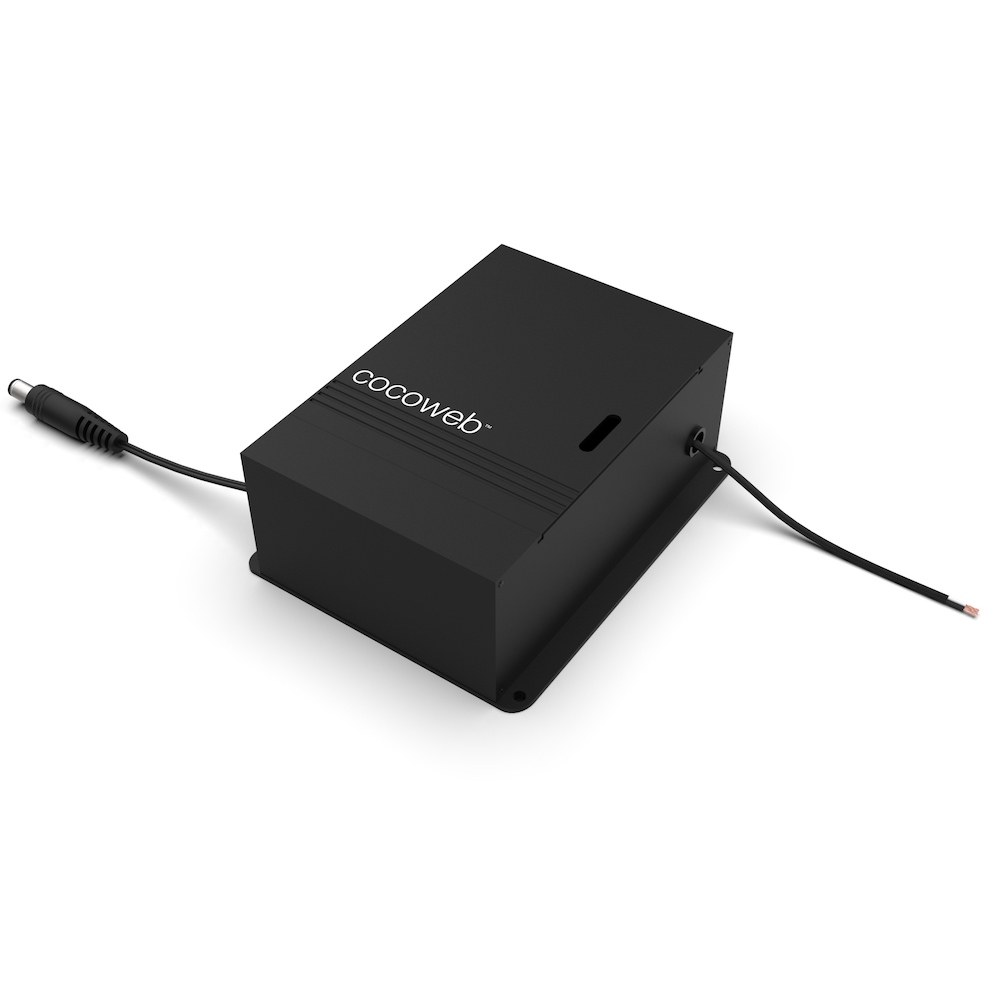
Designed for a streamlined, permanent look, the Direct Wire Pack connects to a 110–120V power supply and is dimmed exclusively by the included remote—not a wall switch. This distinction is critical for both performance and safety:
- No wall dimmer switches: Connecting a wall dimmer to the Direct Wire Pack will cause flickering and is not supported. All dimming must be handled via the remote control.
- Stability and alignment: Periodically confirm that the light remains tightly mounted and properly aimed at the artwork.
- Electrical caution: For wiring or fixture problems, such as flickering not tied to the remote, only use a professional electrician familiar with direct wire installations.
Rechargeable Battery & Remote Care and Safety
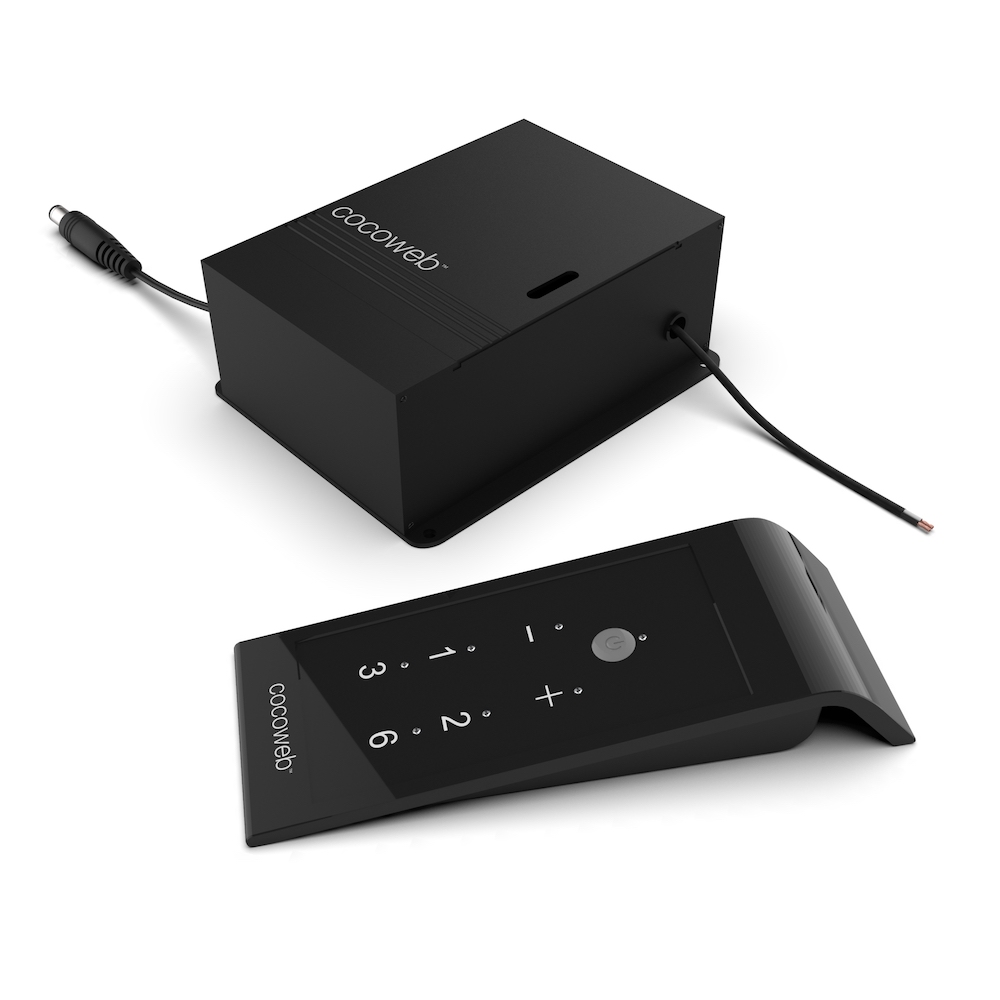
The rechargeable battery option delivers true wireless flexibility—ideal for spaces where installing wiring isn’t practical. However, maintaining battery health and safety is essential:
- Charging habits: Charge the battery pack with the recommended USB cable and do so before it’s fully depleted for best long-term health. Never use a substitute charger unless specified.
- Storing and placement: When not in use, keep the battery pack in a cool, dry location. Ensure that cables aren’t sharply bent or pressed behind frames.
- Battery safety: If a battery shows swelling, leakage, or any damage, do not use or charge it. Move the battery to a safe, ventilated spot—avoid contact with bare skin—and arrange for proper hazardous waste disposal. Review the Cocoweb battery safety guide for full instructions.
- Performance monitoring: Replace the battery pack if you see significant drops in runtime or output, which indicate natural battery aging.
Maximizing the Life of Your Picture Light Integrated LED
To support the remarkable 50,000-hour lifespan of your Picture light, remember:
- Clean gently and ensure mounts are tight, with no wobbling or excessive movement.
- Use only compatible power accessories and settings, and respect differences between configurations (remote-only dimming for Direct Wire Pack, wall dimmer OK for Hardwired).
- Don’t ignore warning signs like flicker or heat. Early action prevents bigger problems later.
- Avoid harsh products on the finish, and never force movement of the adjustable shade.
Quick Care Checklist
- Dust the fixture and wipe finishes with a soft, dry cloth every few weeks
- Confirm all cords and battery packs are secure and free from strain
- Adjust and lock the shade gently; never over-tighten screws
- Recharge batteries on a regular schedule
- Keep remotes accessible and functioning
- Remember: only use the remote for dimming with Direct Wire Pack
Conclusion
Caring for your integrated LED picture light is straightforward, and just a bit of regular attention ensures you’ll enjoy years of beautiful, dependable illumination. By tailoring your care to the chosen power method, cleaning with care, and acting quickly on electrical or battery issues, you protect both your fixture and your artwork. With thoughtful care, your Picture light will deliver its warm, glowing highlight and perform at its best for many years to come.
Recent Posts
-

How to Choose the Right Barn Light Finish for Your Home
Quick answer: The right barn light finish depends on three things: your home's exterior color temper …25th Sep 2026 -

6 Bathroom Lighting Setups for a Brighter Morning Routine
Quick answer: The best bathroom lighting setups for a brighter morning routine combine even, shadow- …3rd Sep 2026 -

How Far Apart Should Outdoor Post Lights Be? A Complete Spacing Guide
The right spacing between outdoor post lights can completely change the look and feel of your proper …4th Aug 2026